Wallet
Use your wallet to hold funds for Geonode purchases and top-ups.
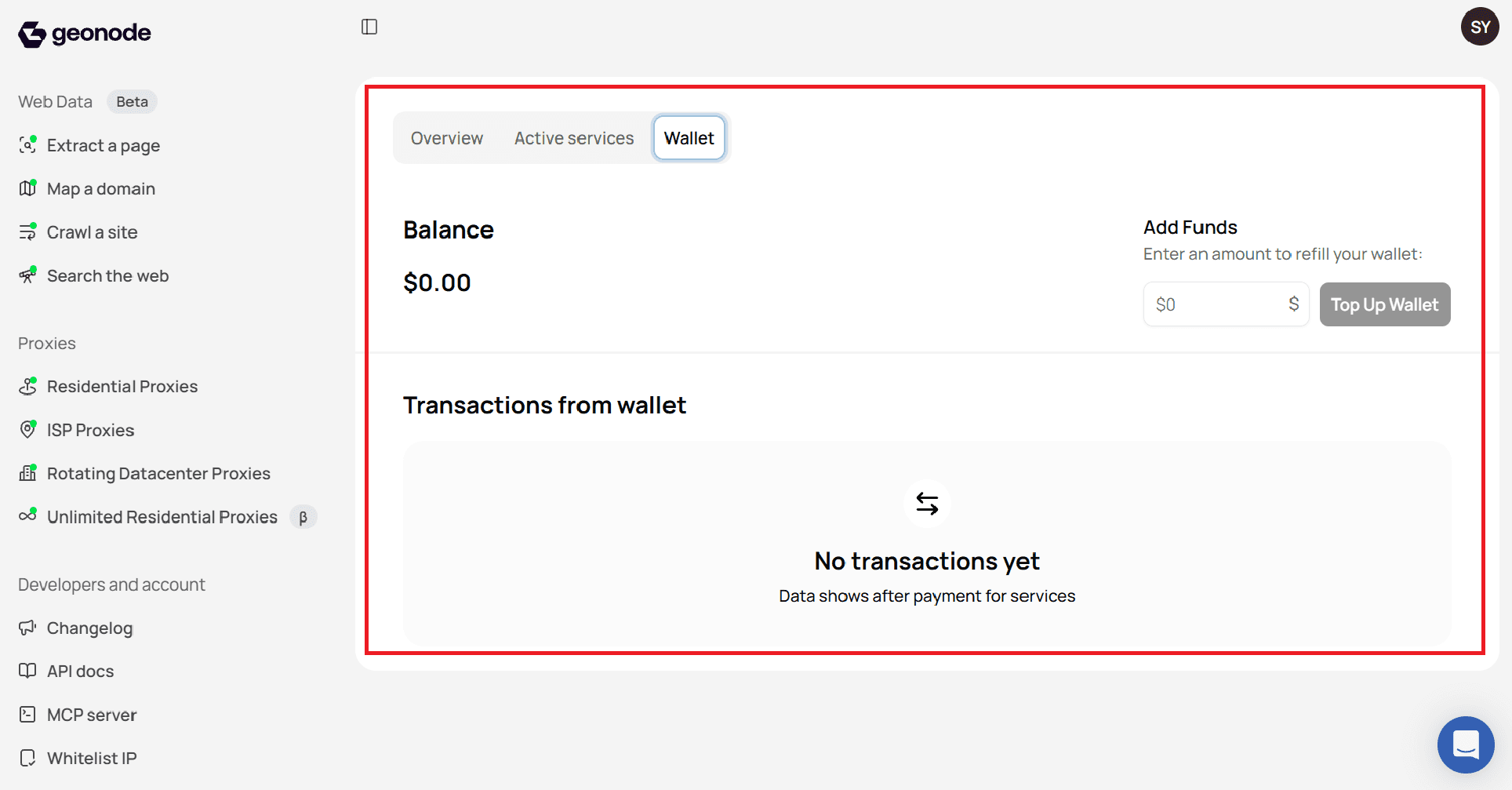
Step 1 - Open Wallet
- Log in to the Geonode dashboard.
- Click your profile icon in the top right.
- Select Billing.
- Open the Wallet tab.
Step 2 - Check your balance
Your current balance is shown at the top of the Wallet tab.
Step 3 - Add funds
- In Add Funds, enter the amount you want to add.
- Click Top Up Wallet and complete payment.
After payment succeeds, the new amount shows in your balance.
Step 4 - Review transactions
Under Transactions from wallet, you can see past wallet activity.
If you have not paid for services yet, you will see No transactions yet.
Was this page helpful?