Create Your Account
You need a Geonode account before you can use Proxies or Web Data.
Step 1 - Open sign up
Go to Geonode sign up.
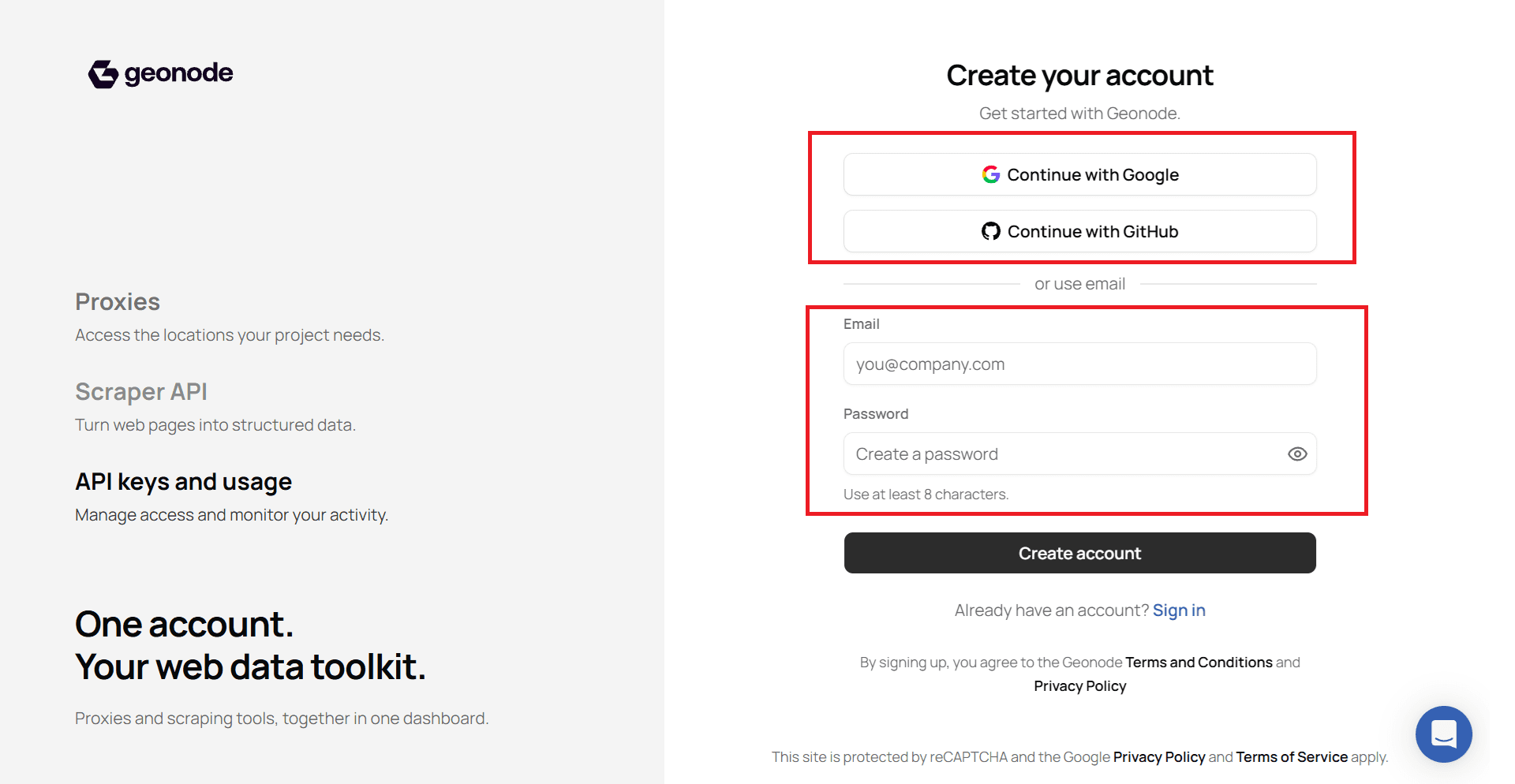
Step 2 - Create your account
Pick one option:
- Continue with Google or Continue with GitHub, or
- Enter your email and a password (at least 8 characters), then click Create account.
If you already have an account, use Sign in on the same page.
Step 3 - Open the dashboard
After sign up, you land in the Geonode dashboard. From there you can set up Proxies or Web Data.
Next: Get Started or Products.
Was this page helpful?