Reset API Password
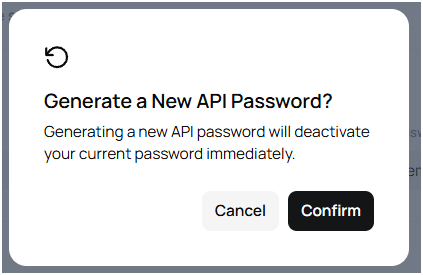
Resetting your API password deactivates the old one right away. Update any tools or scripts that still use the previous password.
Step 1 - Open API credentials
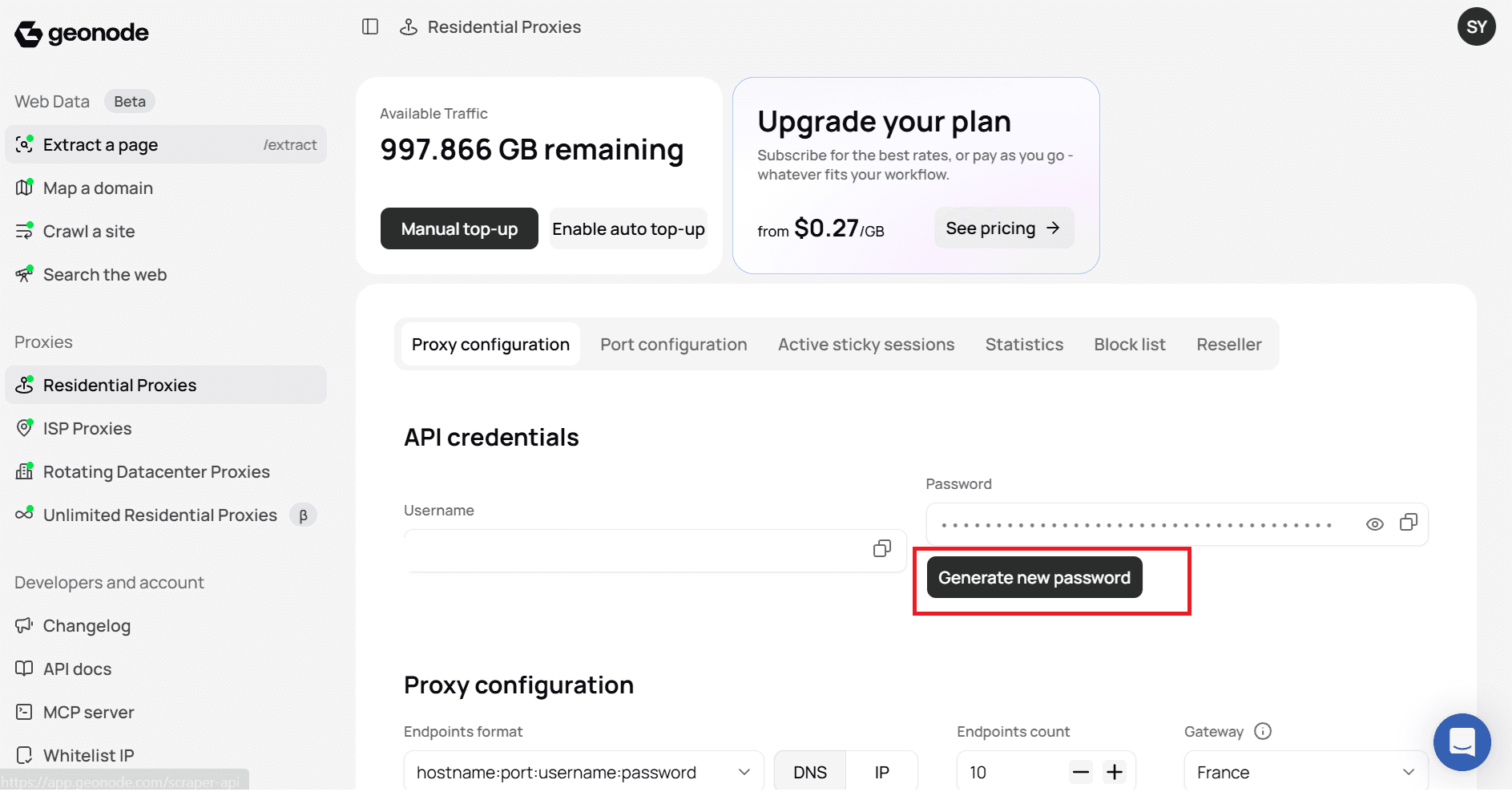
- Log in to the Geonode dashboard.
- Open a Proxies product page, such as Residential Proxies.
- Go to the Proxy configuration tab.
- Find the API credentials section.
Step 2 - Generate a new password
- Click Generate new password.
- Confirm when prompted.
Your new password appears in API credentials. Copy it and update your integrations.
Was this page helpful?