Extraction
Before You Start
This guide covers the basic requirements needed to follow the Extraction guides and ensure your account is set up and ready to make requests.
Prerequisites
Create a Geonode Account
Sign up for a Geonode account if you do not already have one.
Get Access to the Scraper API
Make sure your account has access to the Scraper API.
Generate an API Key
- Go to
https://app.geonode.com/scraper-api. - Click
Get Code. - The
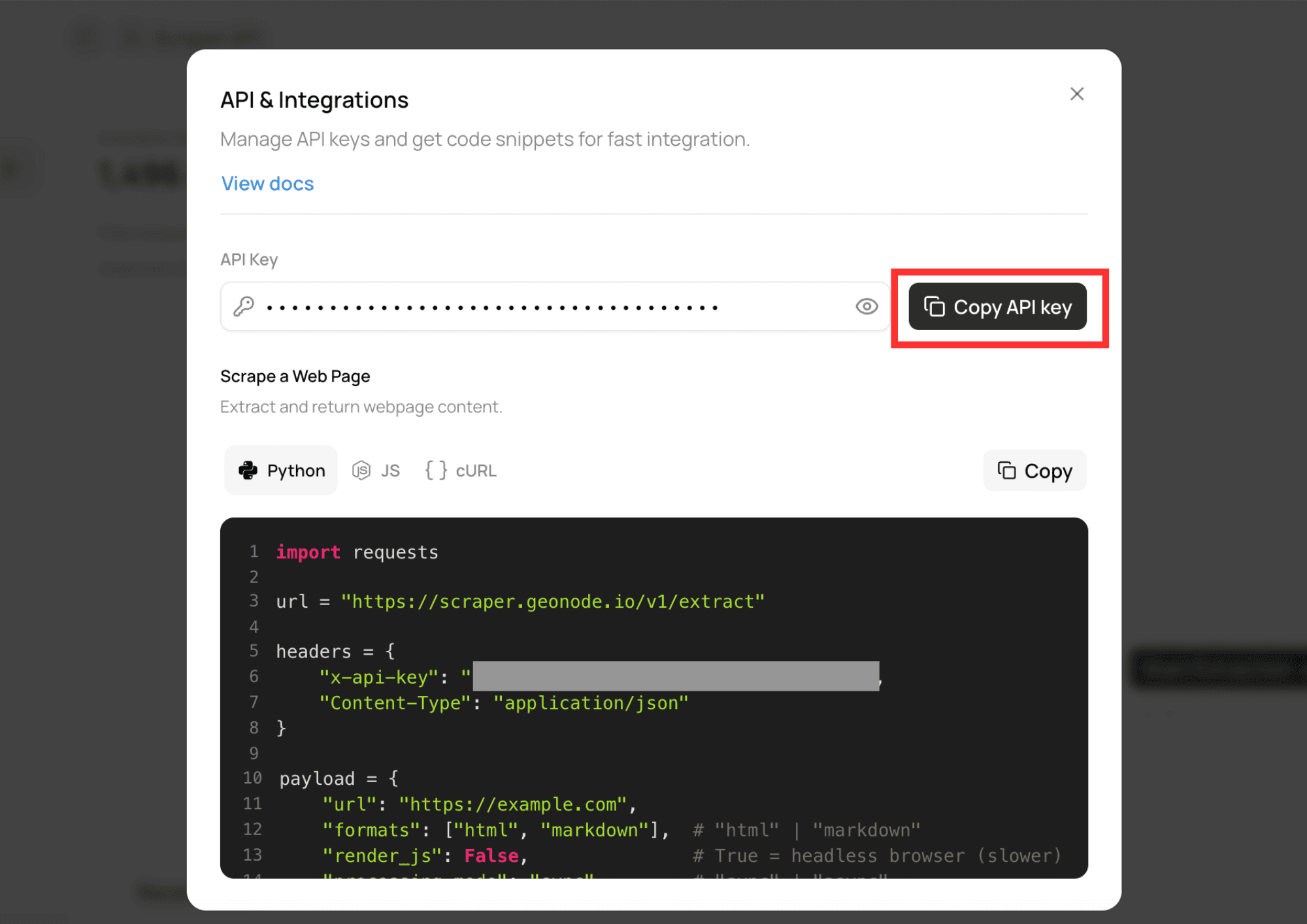
API & Integrationsmodal will open. - Click
Copy API Keyto copy your API key.
Authentication
Include your API key in the X-Api-Key request header.
X-Api-Key: YOUR_API_KEYRequests without a valid API key will be rejected.
Base URL
All Extraction API endpoints are available through the following base URL:
https://scraper.geonode.ioNext Steps
Now that your account is set up, continue to Understanding Extraction to learn how the Extraction API works and when to use its different features.