Manage Search Jobs
The Search dashboard lets you manage previous searches and monitor your search activity from one place.
Recent Searches
Open the Recent Searches tab to view your previous search jobs.
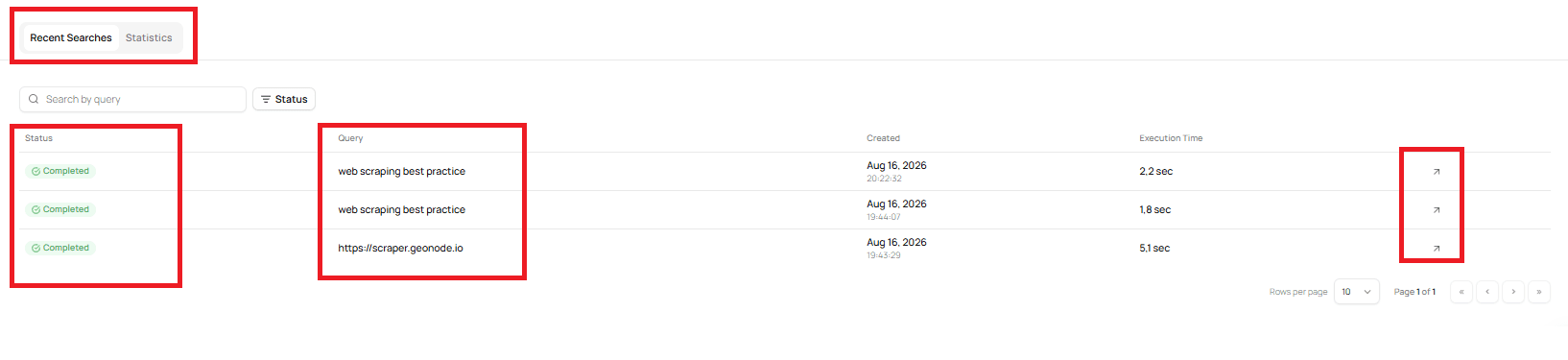
The Recent Searches section provides:
- Search by query — Find a previous search by its query.
- Status — Filter searches by their current status.
- Query — View the query used for each search.
- Created — See when the search was created.
- Execution Time — See how long the search took to complete.
You can also use the pagination controls to move between pages of search jobs and change the number of rows displayed per page.
Filter Search Jobs
Use Search by query to find a specific search.
For example, you can enter:
web scraping best practiceto find searches containing that query.
You can also use the Status filter to narrow the list of searches by their current status.
View a Previous Search
Each search job has an action button on the right side of the table.
Select the action button to open the search and review its results.
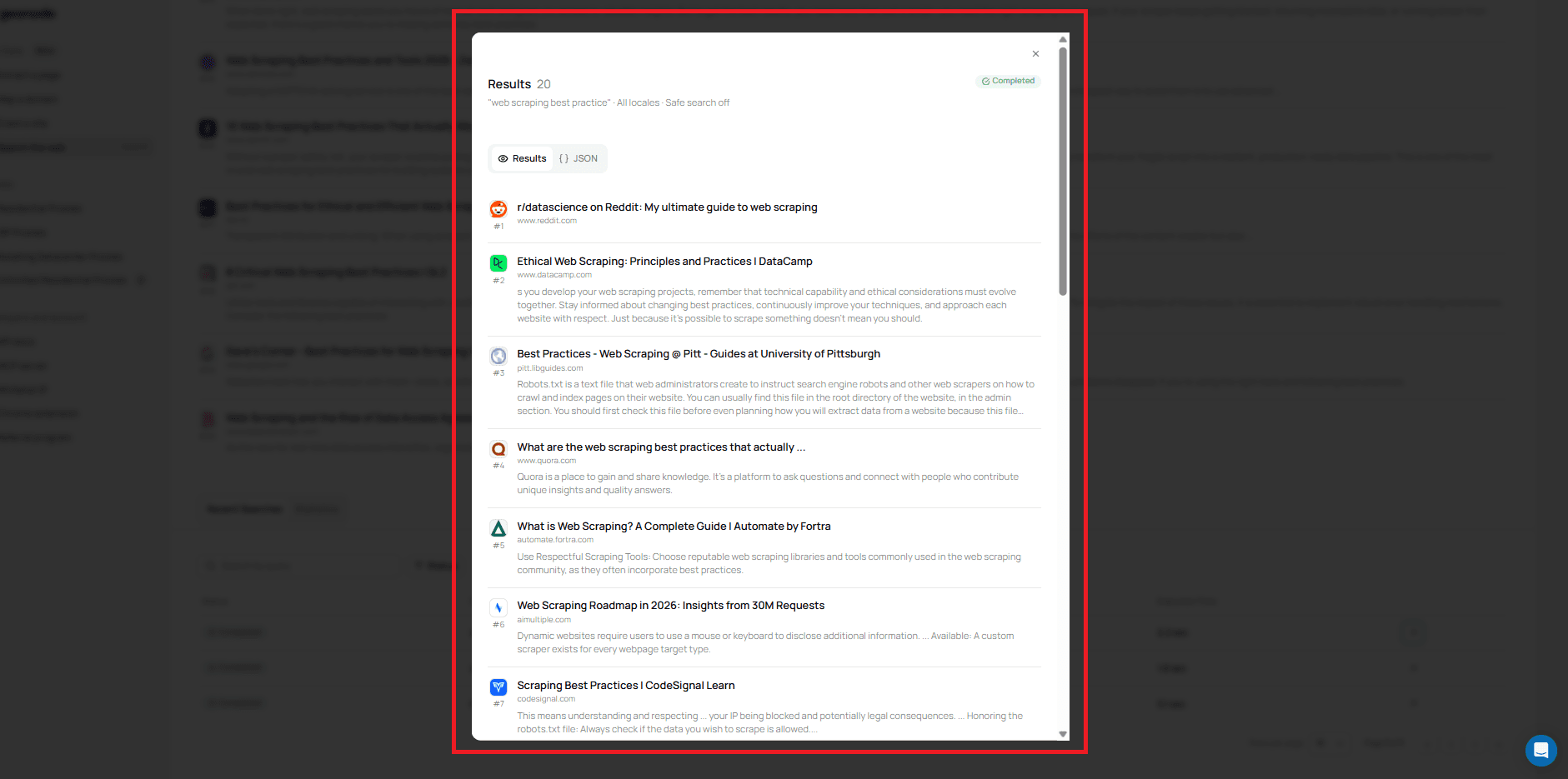
The search results open in a separate view where you can switch between:
- Results — View the returned search results.
- JSON — View the results in JSON format.
The search view also shows the search query and the status of the search.
Statistics
The Statistics tab provides an overview of your Search API usage.
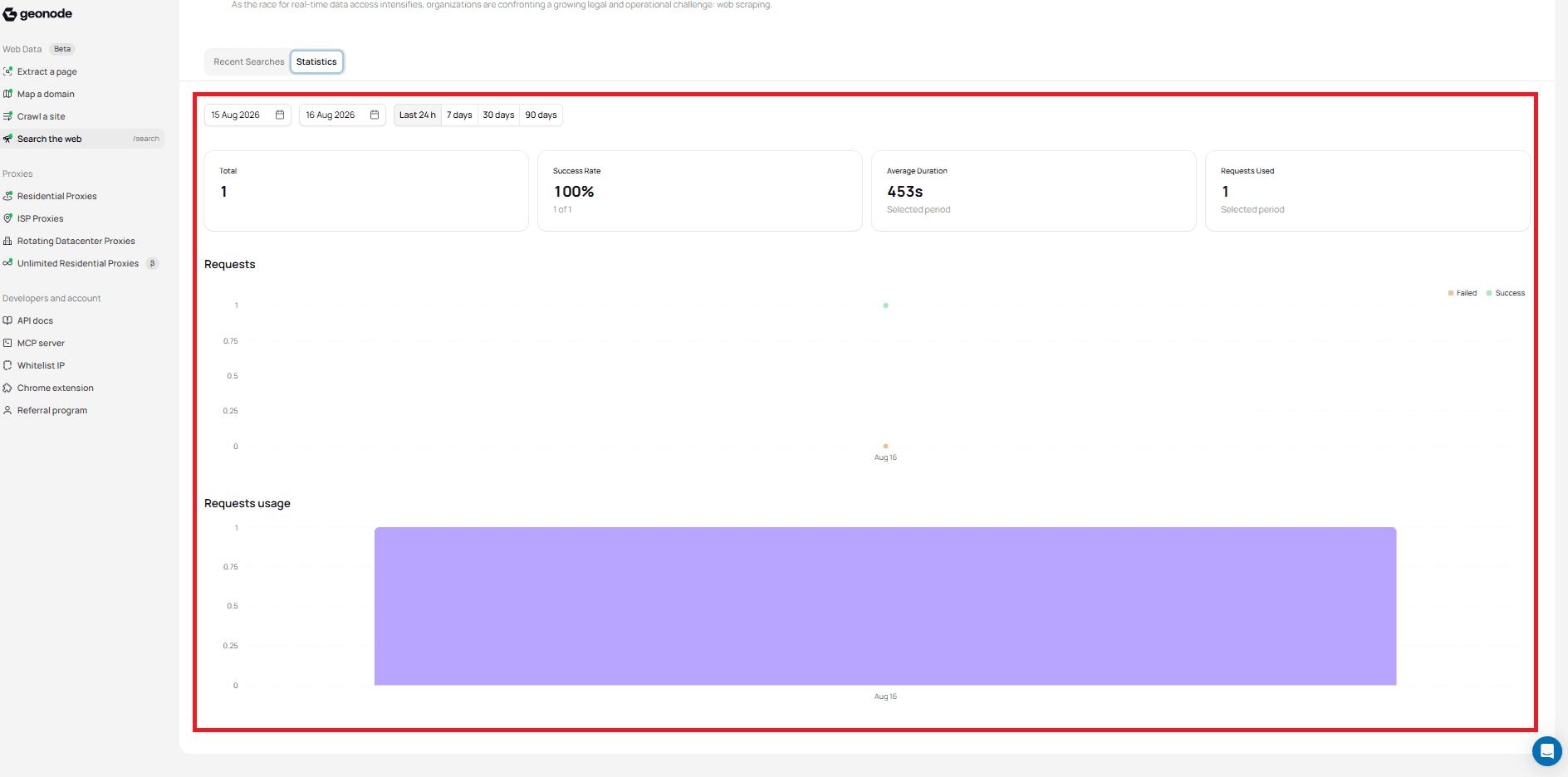
Date Range
You can select a custom date range or use one of the available time periods:
- Last 24 hours
- 7 days
- 30 days
- 90 days
Usage Summary
The statistics view provides the following information for the selected period:
- Total — Total number of searches.
- Success Rate — Percentage of successful searches.
- Average Duration — Average search duration.
- Requests Used — Number of requests used during the selected period.
Requests
The Requests chart shows search requests over the selected period.
The chart distinguishes between:
- Successful requests
- Failed requests
Requests Usage
The Requests usage chart shows request usage for the selected period.
What's Next?
You now know how to review previous searches, filter search jobs, open their results, and monitor Search API usage.
For the API-level details of search jobs, see Search Jobs.
Was this page helpful?