Claude Code
Claude Code has built-in support for the Model Context Protocol (MCP), allowing it to securely connect to external tools such as the Geonode Scraper API.
Once configured, Claude can automatically extract webpages, crawl websites, process multiple URLs, and retrieve structured content using natural language prompts.
Before you begin
Make sure you've completed the Before You Start guide and have:
- A Geonode API key
- The Geonode MCP endpoint
- Claude Code installed
- Claude Code authenticated with your Anthropic account
Step 1 — Open your terminal
Open your terminal and verify that Claude Code is installed.
Launch Claude Code by running:
claudeIf Claude Code starts successfully, you're ready to configure the Geonode MCP server.
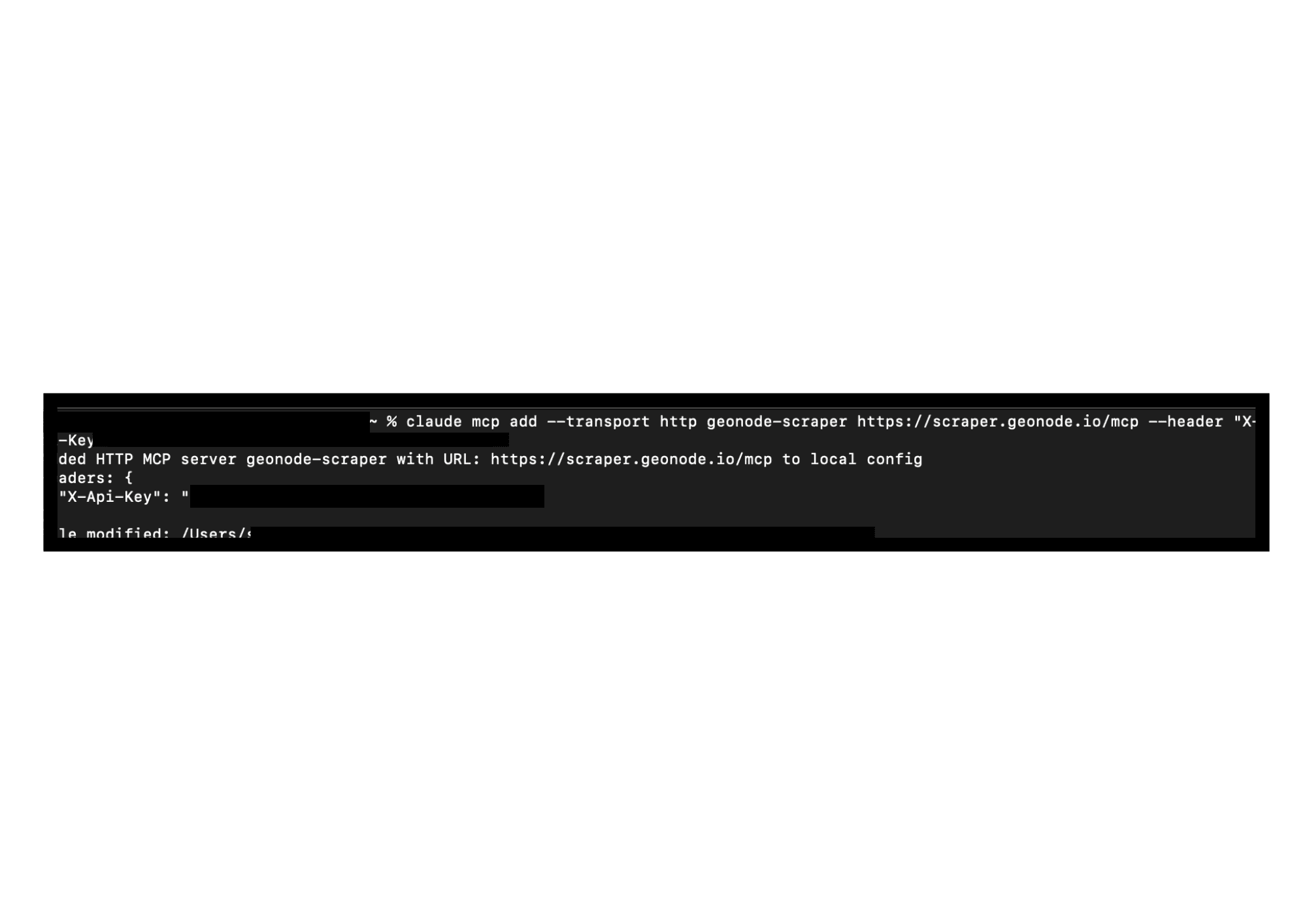
Step 2 — Register the Geonode MCP Server
Run the following command to register the Geonode MCP server with Claude Code.
claude mcp add \
  --transport http \
  geonode-scraper \
  https://scraper.geonode.io/mcp \
  --header "X-Api-Key:YOUR_API_KEY"
Replace YOUR_API_KEY with your Geonode API key.
Claude Code saves this configuration locally and automatically registers the MCP server.
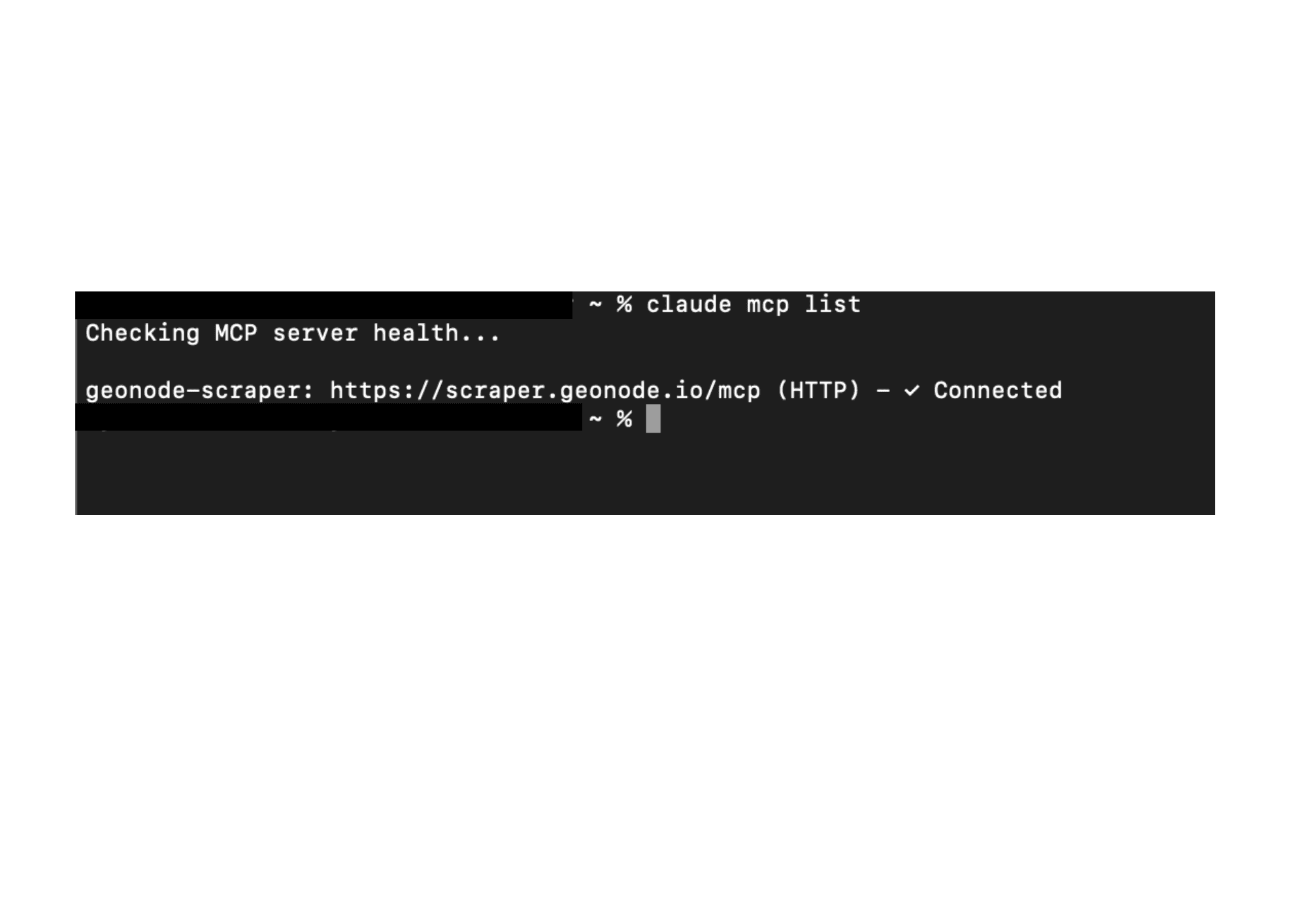
Step 3 — Verify the Connection
To verify that the server has been registered successfully, run:
claude mcp listYou should see output similar to:
geonode-scraper: https://scraper.geonode.io/mcp (HTTP) - ConnectedIf the status is Connected, Claude Code can communicate with the Geonode MCP server.
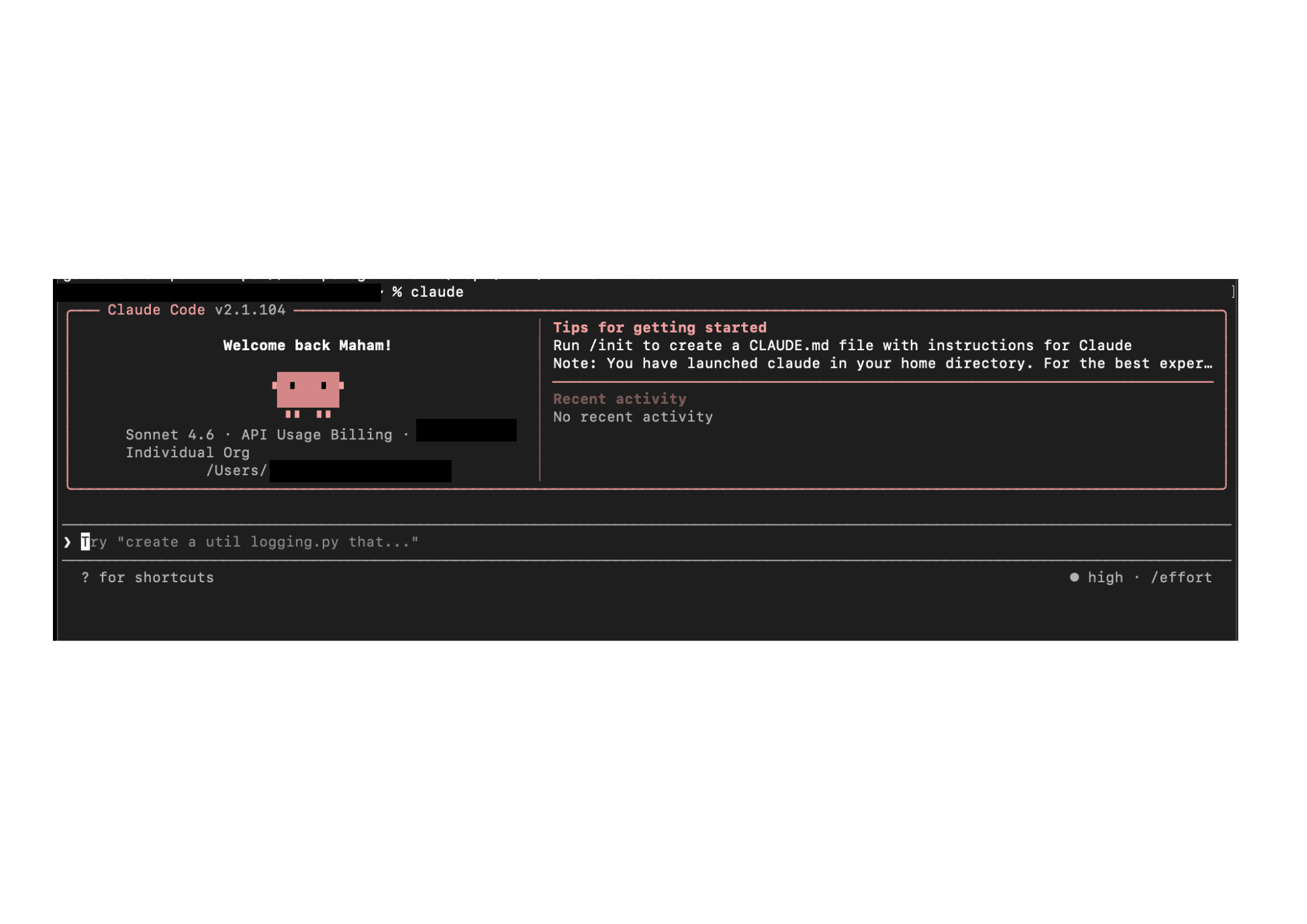
Step 4 — Start Claude Code
Launch Claude Code.
claudeClaude automatically loads all configured MCP servers when it starts.
Step 5 — Use Geonode with Natural Language
You don't need to manually invoke MCP tools.
Simply describe the task, and Claude automatically chooses the appropriate Geonode MCP tool.
Extract a web page
Extract the content from https://geonode.comSummarize a page
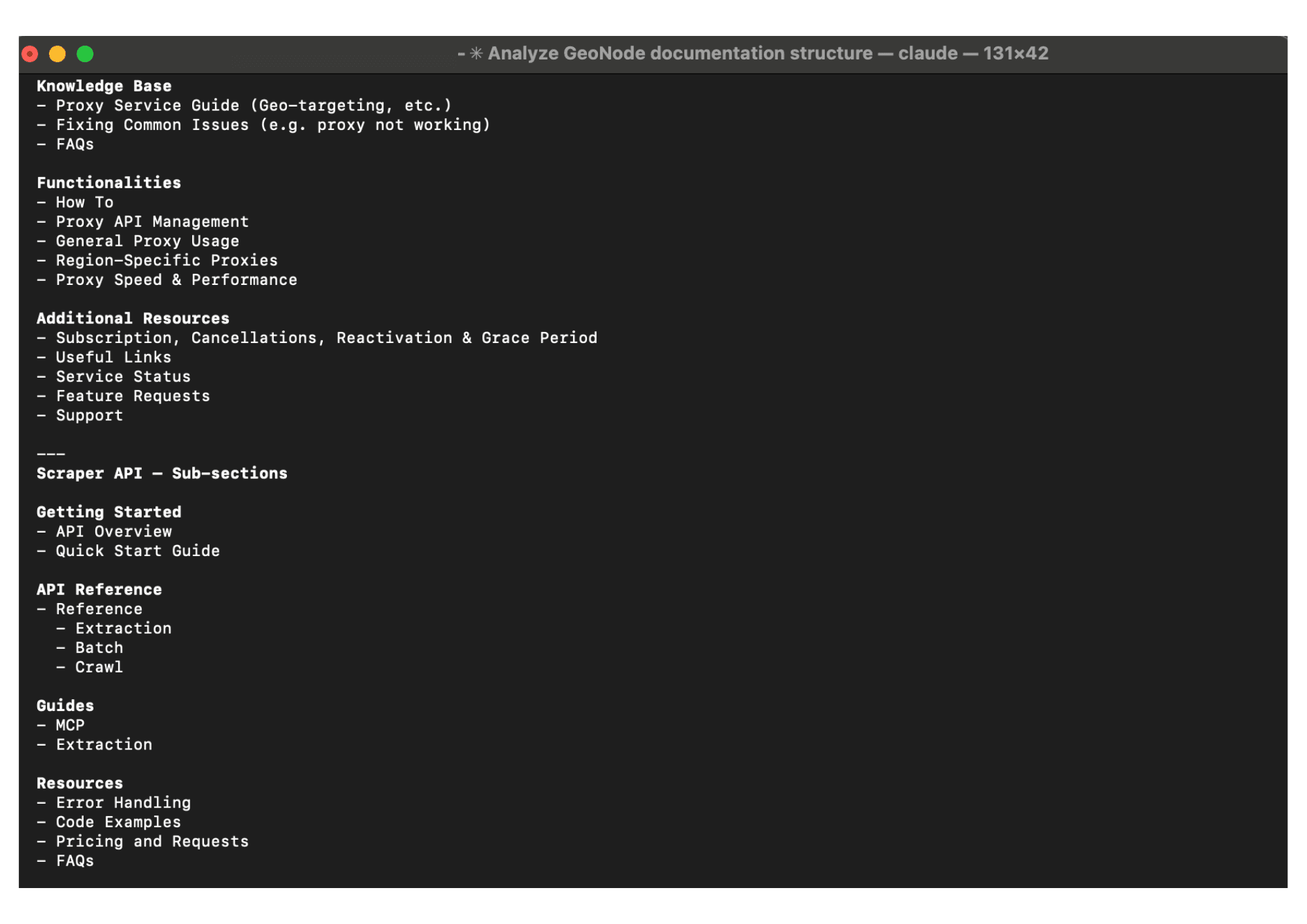
Read https://geonode.com and summarize the homepage.Crawl a documentation website
Crawl https://docs.geonode.com and tell me what documentation sections exist.Process multiple pages
Extract these URLs and summarize each page.

https://example.com/page1
https://example.com/page2
https://example.com/page3
Check extraction statistics
Show my Geonode extraction statistics.Claude automatically calls the appropriate MCP tool, waits for the response, and presents the results directly in the conversation.
How Claude Code Uses MCP
When you submit a prompt, Claude analyzes your request and automatically selects the correct Geonode MCP tool.
| Your Prompt | MCP Tool |
|---|---|
| "Extract this page." | extract |
| "Crawl this documentation site." | crawl |
| "Process these URLs." | batch |
| "Show my extraction statistics." | statistics |
There is no need to manually select or invoke MCP tools. Claude Code handles tool selection, parameter mapping, execution, and result processing automatically.
FAQs
Was this page helpful?