Verify Proxy Connection
You can verify your proxy connection in two ways:
- Using an online verification tool
- Using the command line (cURL)
Method 1: Using an Online Tool
Step 1: Check Your Current IP Address
Before enabling your proxy, check your current IP address.
- Visit IP API.
- Note your IP address for reference.
Step 2: Connect to Your Proxy
Set up and configure your proxy based on your device or browser.
Follow the setup guides for your platform below:
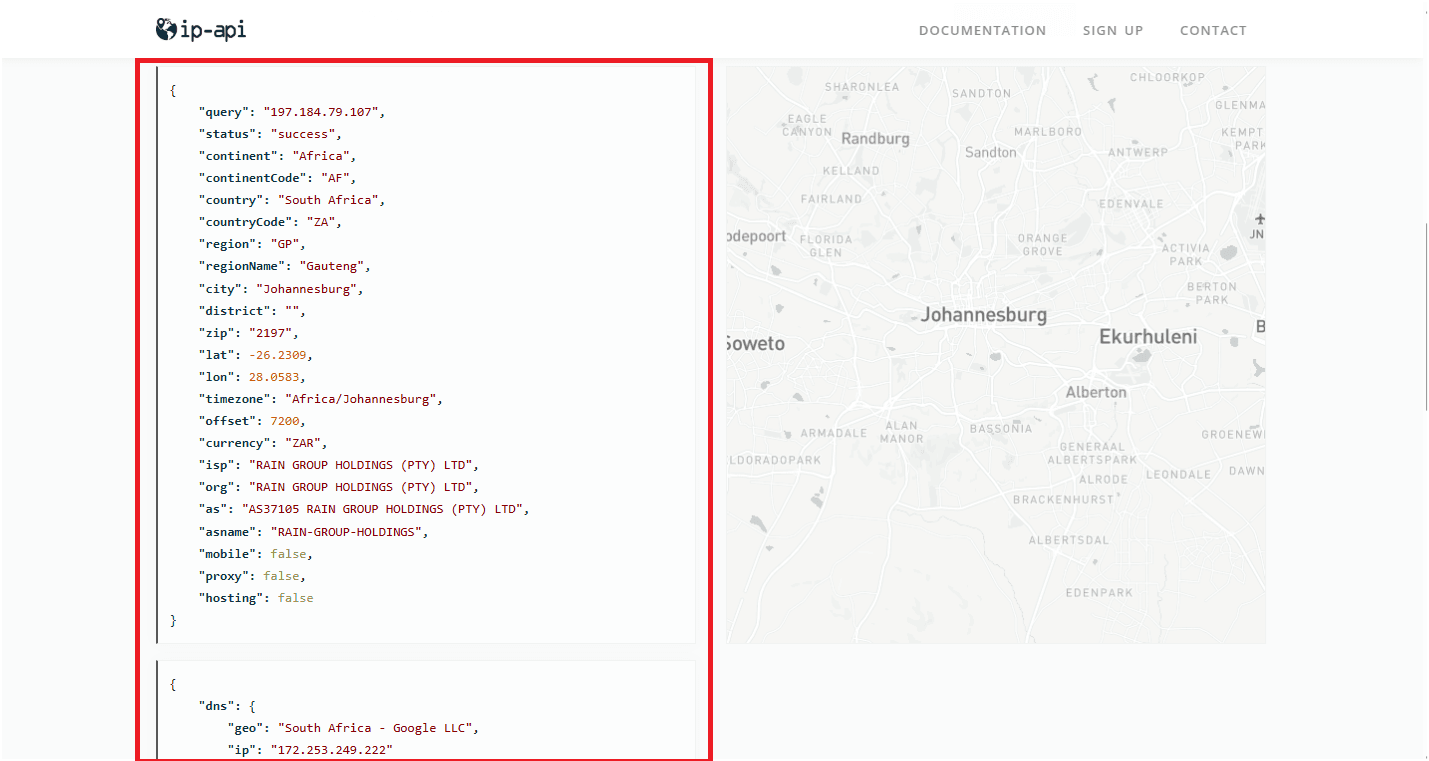
Step 3: Verify Your New IP Address
Once connected to the proxy:
- Go back to IP API.
- Verify if the displayed IP address matches your proxy location.
- If the IP has changed, your proxy connection is active.
Method 2: Using the Command Line (cURL)
You can also verify the proxy connection through the command line using curl.
curl -x proxy.geonode.io:9000 http://ip-api.com